Best Free and Low-Cost Tools for Learning Animation Fundamentals
The best free and low-cost animation tools for beginners are the ones that help you practice timing, spacing, arcs, pose clarity, and simple storytelling without forcing you into expensive software too early. Pencil2D, Krita, Blender Grease Pencil, OpenToonz, and structured practice resources cover most beginner needs.
Toolbox recommendation
Start simple: Pencil2D for hand-drawn timing, Krita for drawing plus short animation, Blender Grease Pencil for 2D inside a 3D space, and OpenToonz when you are ready for a deeper production-style workflow. The tool matters less than consistent exercises.
What beginners should learn first
Animation fundamentals are not software features. They are visual decisions: how fast something moves, how weight is suggested, how poses read, how anticipation prepares action, and how timing creates feeling. A beginner can learn these ideas with a pencil, a phone camera, or free software. Paid tools may help later, but they do not replace practice.
That is why the best beginner setup is usually lightweight. You want fast drawing, easy playback, onion skinning, simple export, and enough layers to test motion. Avoid spending the first month customizing complex workspaces when you should be animating bouncing balls, blinking eyes, walks, turns, and small character reactions.
Pencil2D: easiest entry point for hand-drawn practice
Pencil2D is a free, open-source tool focused on 2D hand-drawn animation. Its strength is simplicity. You can draw, flip frames, use bitmap or vector workflows, and play back motion without feeling buried in panels. For students who want to understand frame-by-frame timing, this is a friendly place to start.
The limitation is that Pencil2D is not a full studio pipeline. You may outgrow it for compositing, complex camera moves, or polished multi-scene production. That is fine. A beginner tool should make the first hundred exercises easier, not solve every future problem.
Krita: strong drawing with animation features
Krita is a professional free and open-source painting program, and it also includes animation capabilities. It is useful for artists who already care about brushes, color, character sketches, and illustration quality. If you want one tool for drawing studies and short animated loops, Krita is a practical choice.
The learning curve is moderate because Krita has many painting features. Beginners should keep the setup simple: one character layer, one rough layer, onion skinning, and short loops. Do not turn the first exercise into a finished short film.
Blender Grease Pencil: 2D drawing in a 3D environment
Blender is best known as a 3D tool, but its Grease Pencil system lets artists draw and animate in a hybrid 2D/3D space. Blender Studio offers Grease Pencil Fundamentals training resources, which makes it easier to approach the tool with structure rather than random tutorials.
Grease Pencil is powerful for students interested in camera movement, spatial drawing, mixed 2D/3D scenes, or stylized motion graphics. The trade-off is complexity. Blender can overwhelm beginners if they try to learn modeling, materials, lighting, rigging, and Grease Pencil at the same time. Use it for focused exercises first.
OpenToonz: deeper 2D production workflow
OpenToonz is open-source animation production software that can be used free of charge for commercial and noncommercial projects. It is more complex than Pencil2D and often feels closer to a production environment. That makes it valuable, but not always ideal for a first week of learning.
OpenToonz can teach scanning-style workflows, cleanup, coloring, exposure sheets, and camera work. Students who are serious about 2D production may want to explore it after they understand basic timing and drawing exercises. If the interface slows you down too early, return later.
Comparison by beginner use case
| Tool | Best use | Cost level | Learning curve |
|---|---|---|---|
| Pencil2D | Simple frame-by-frame exercises | Free | Low |
| Krita | Drawing-focused loops and painterly animation | Free, optional paid store versions | Moderate |
| Blender Grease Pencil | 2D/3D hybrid motion and spatial scenes | Free | Moderate to high |
| OpenToonz | Traditional 2D production workflow | Free | High |
Low-cost additions that actually help
A basic drawing tablet can help, but it is not mandatory on day one. If you already have an iPad or pen-enabled tablet, use it. If not, a small entry-level tablet is enough for practice. More important purchases include a comfortable chair, backup storage, and maybe one structured course or book after you know which animation path you enjoy.
Reference tools also matter. Use your phone to record simple actions, then study timing frame by frame. Build a folder of movement references, but avoid tracing performances without understanding them. Animation is observation plus exaggeration, not copying motion mechanically.
Creative planning tools can also support animation. Moodboards and style frames help define a look before production, which connects directly to the workflow explained in How Style Frames, Moodboards, and Art Direction Actually Work Together.
A four-week practice plan
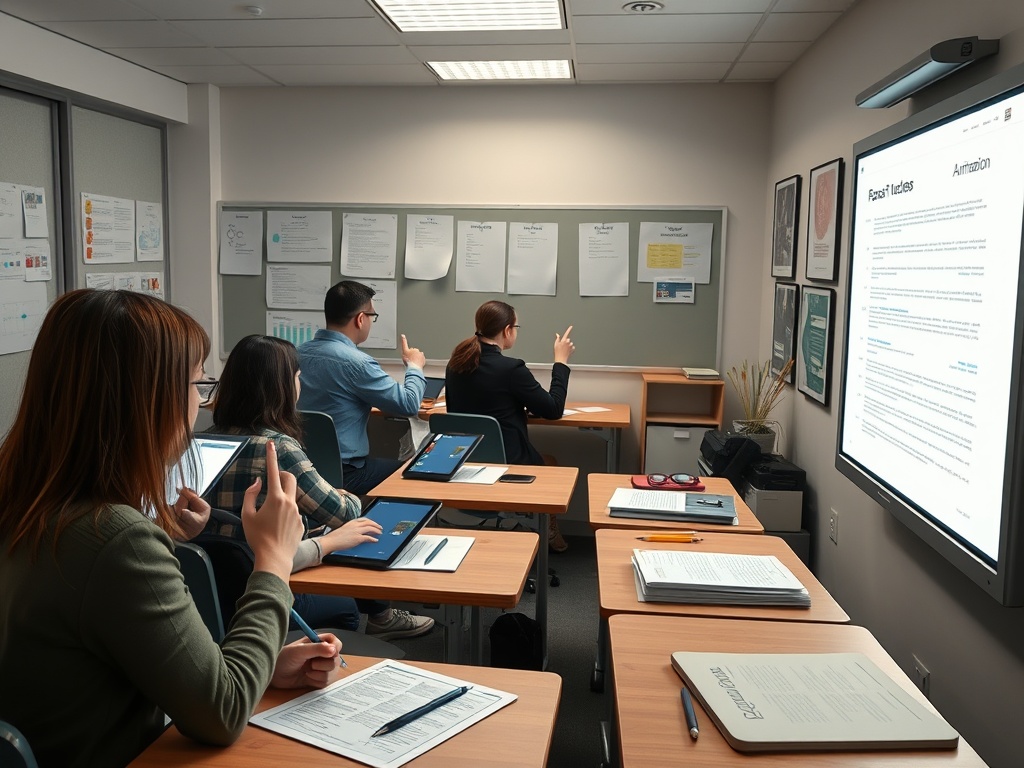
Week one: animate a bouncing ball, a pendulum, and a simple blink. Focus on timing and spacing. Week two: animate a flour sack jump, a head turn, and a hand wave. Focus on clear poses. Week three: make a three-shot micro-scene with a beginning, reaction, and ending. Focus on staging. Week four: clean up one exercise and export it as a short reel piece.
This plan works in any of the tools above. Keep each exercise short. Five seconds of clear motion teaches more than a two-minute unfinished scene. Save versions so you can see improvement.
What to avoid when choosing tools
Do not choose software only because professionals use it. Professional tools often assume production knowledge beginners do not yet have. Do not switch tools every two days because a tutorial looks exciting. Tool-hopping creates the illusion of progress while delaying practice. Do not start with complicated character rigs before you understand timing in simple shapes.
Also be careful with overpolishing. Beginners often spend hours coloring a weak animation instead of fixing the motion. If the rough version does not read, the final version will not either. This is similar to video finishing, where a color pass cannot rescue unclear footage; How to Color Correct Video Without Overgrading It makes the same point in a different medium.
The best next step
Pick one tool and finish ten tiny exercises. Pencil2D is the easiest starting point, Krita suits drawing-first students, Blender Grease Pencil suits hybrid visual thinkers, and OpenToonz suits learners ready for a more technical 2D pipeline. The right tool is the one that gets you animating today and still lets you see what needs improvement tomorrow.